NetVizura will not work if update is made after support period has expired. Make sure that your support has not expired before you start updating |
In case you have previously installed NetVizura 4.3.1 or 4.3.2 in the location other than C:\Program Files\NetVizura we strongly recommend you to perform clean install of the latest version. Read more. |
Update from versions 4.3.3+
- Download latest NetVizura Windows installer from NetVizura official website
- Run downloaded installer and follow steps
Refresh your browser (Ctrl + F5)
Check if the update is successful on NetVizura's license page: http://<netvizura_server_ip>:8080/netvizura/#settings:license
Update from 4.3.1 and 4.3.2 to 4.3.3
- Check free space on disk. If there is less than 8GB of free space on disk, delete some files to make at least 8GB available (easiest way is to delete old raw data files in archive which is usually located in
C:\Program Files\NetVizura\flow\archive) - Download NetVizura update package from NetVizura official website
- Unzip the package with Extract All... option from Windows context menu
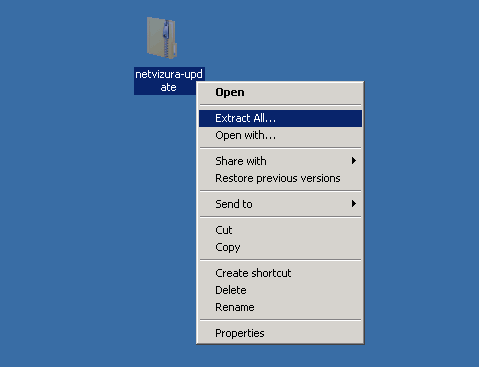
- Navigate to extracted netvizura-update folder and double-click on update.bat to run the updater
- Follow the installation steps
Refresh your browser (Ctrl + F5)
Check if the update is successful on NetVizura's license page: http://<netvizura_server_ip>:8080/netvizura/#settings:license
To update from version 4.3.1 or 4.3.2 to a version newer than 4.3.3 you will first have to perform update to version 4.3.3 using update package for versions 4.3.1 and 4.3.2 available on NetVizura website. After that you can update to any subsequent version using Windows installer for that version. |