NetFlow users can view and NetFlow administrator can add, edit, delete or clone a Traffic Pattern.
To create new or configure existing Traffic Patterns, go to Settings > NetFlow Settings > Patterns.
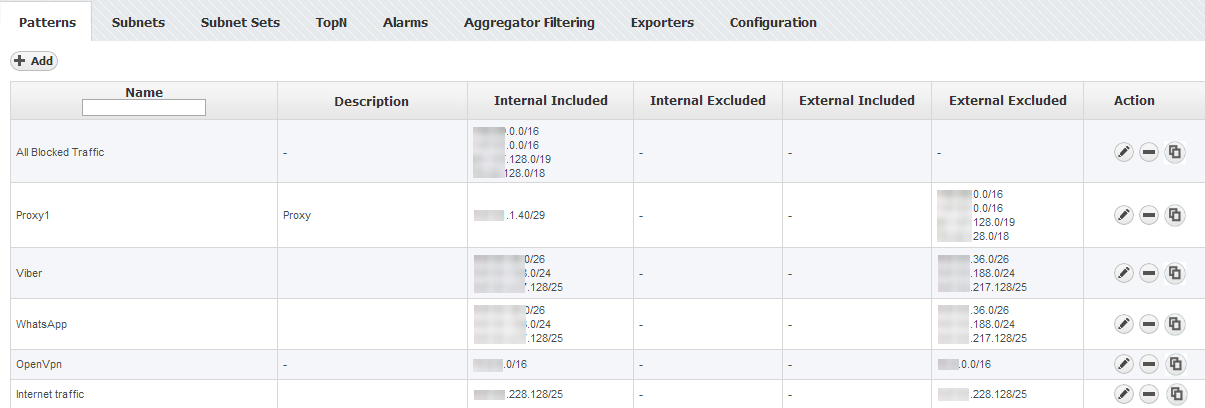
To create a new Traffic Pattern, click +Add.
Adding a Traffic Pattern consists of four steps:
| It usually takes 10 minutes for NetFlow Analyzer to aggregate and show the statistics for the new Traffic Pattern. |
In case Exporter filter is used in the Traffic Pattern definition and the Exporter IP address changes, you will have to manually update it in the Traffic Pattern definition. |
| If you are not familiar with Traffic Patterns, go to article Basic Traffic Patterns and then proceed to the article Advanced Traffic Pattern Examples for advance usage and examples. |